app-tester
Sparrow User Guide
Last Updated: 2025-10-30
Step-by-step guide to setting up and using Sparrow wallet with silent payments
Table of Contents
Initial Wallet Setup
This workflow demonstrates how to create a wallet for silent payments
Create New Wallet
- Create a new wallet using this guide
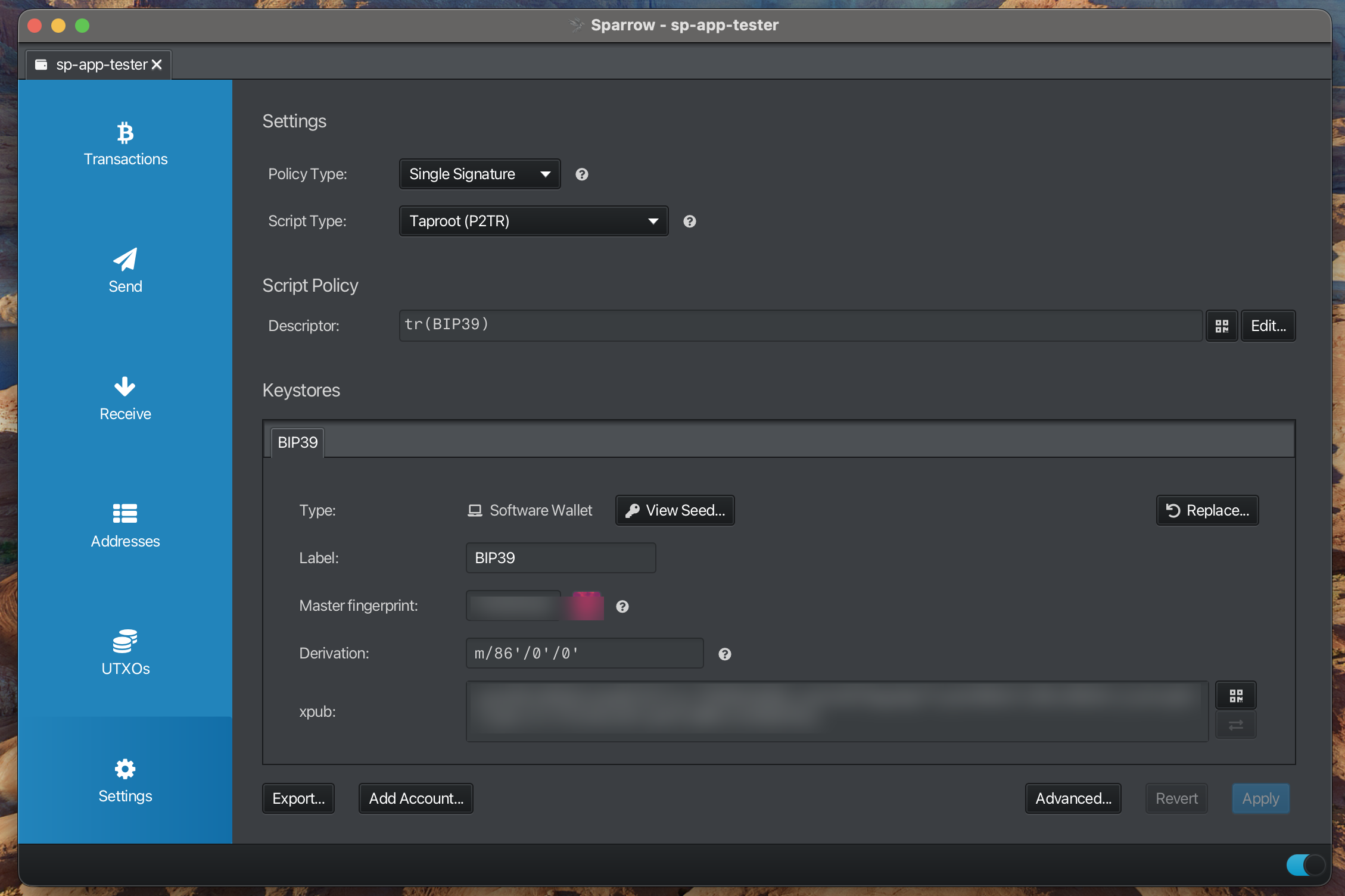
- Policy Type: “Single Signature”
- Script Type: “Taproot (P2TR)”
- Derivation: m/86’/0’/0’
Note:
Type: “Software Wallet” required at this time to send silent payments
Using Sparrow
Overview of wallet and navigation
Transactions
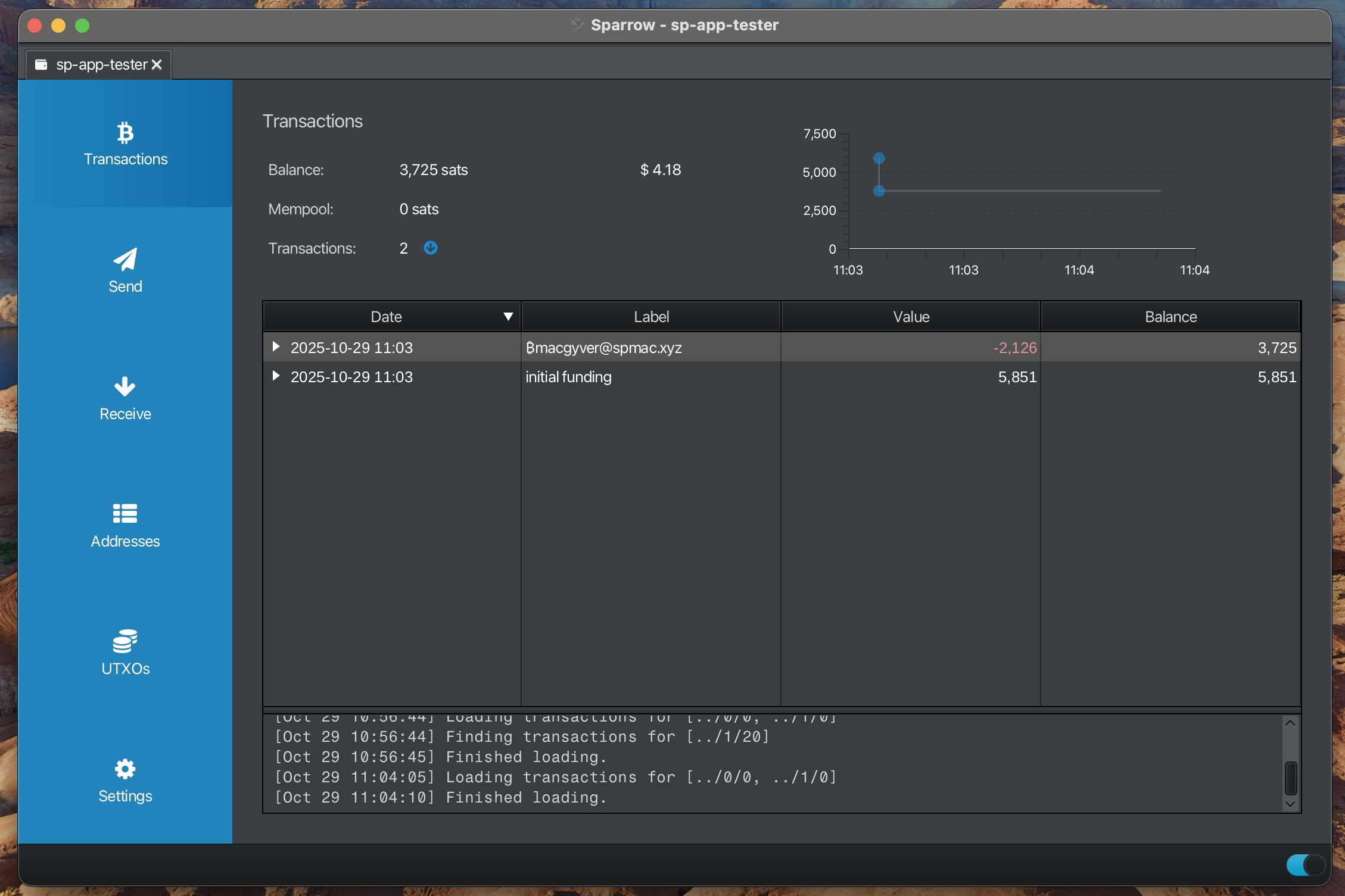
View wallet balance and transaction history
Send
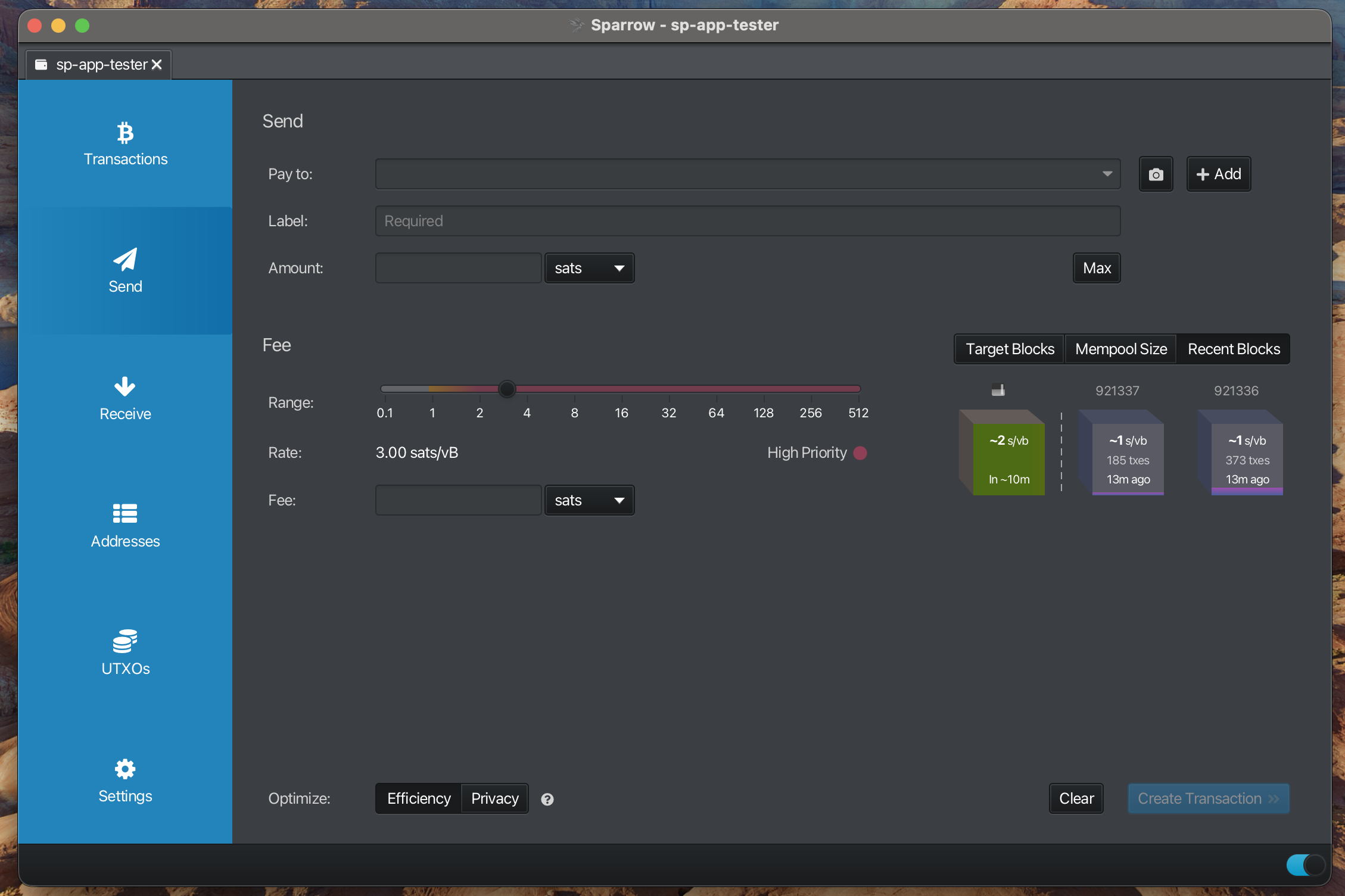
Send bitcoin to other wallets
Send to address
Highlight the process for sending a payment to a silent payment address
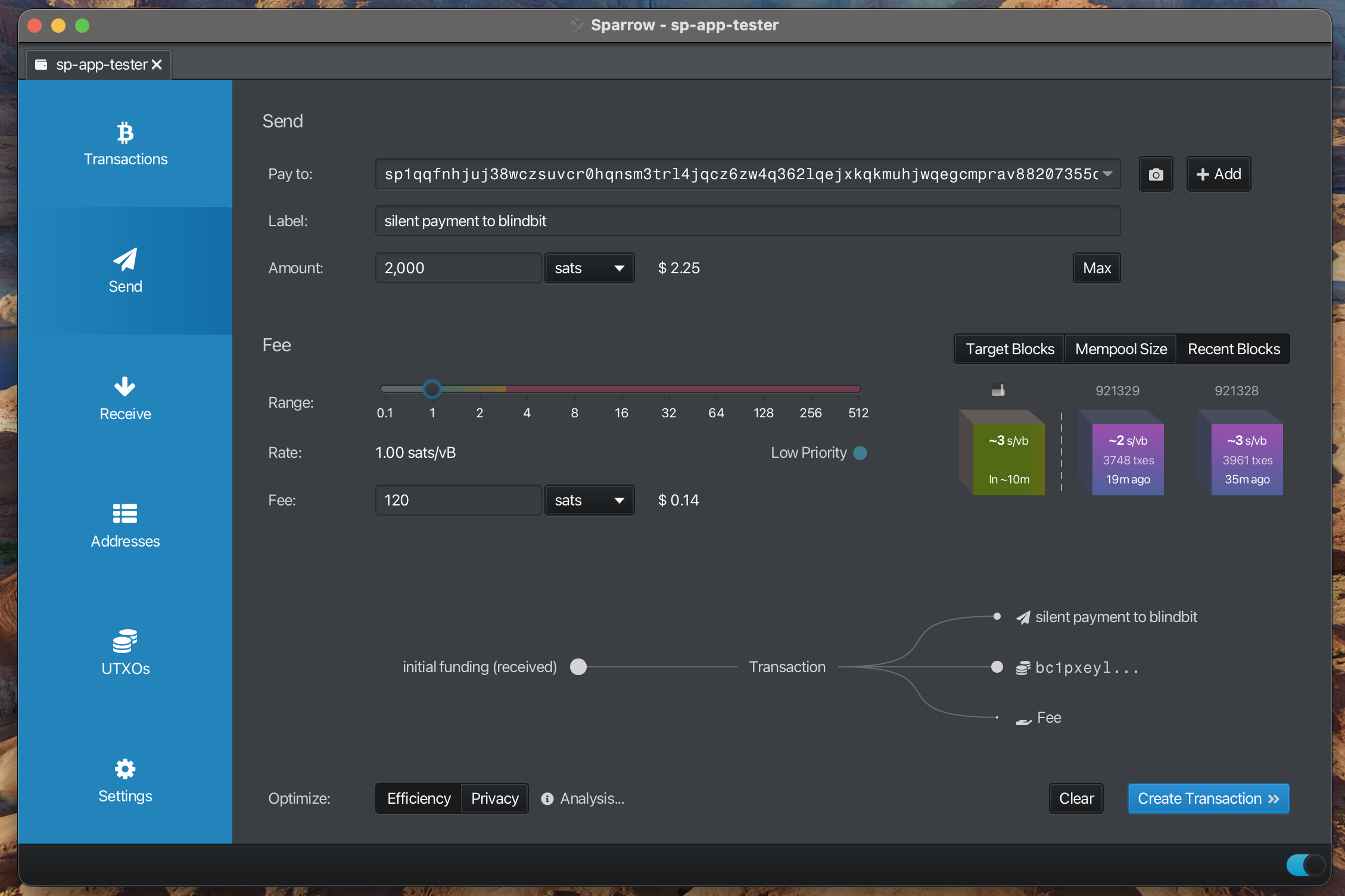
Enter Recipient Information
- Enter “Pay to”
- Enter “Label”
- Enter “Amount”
- Select “Send Transaction” to view details
Note:
Human Readable Names (HRN) or silent payment addresses are supported
Finalize Transaction
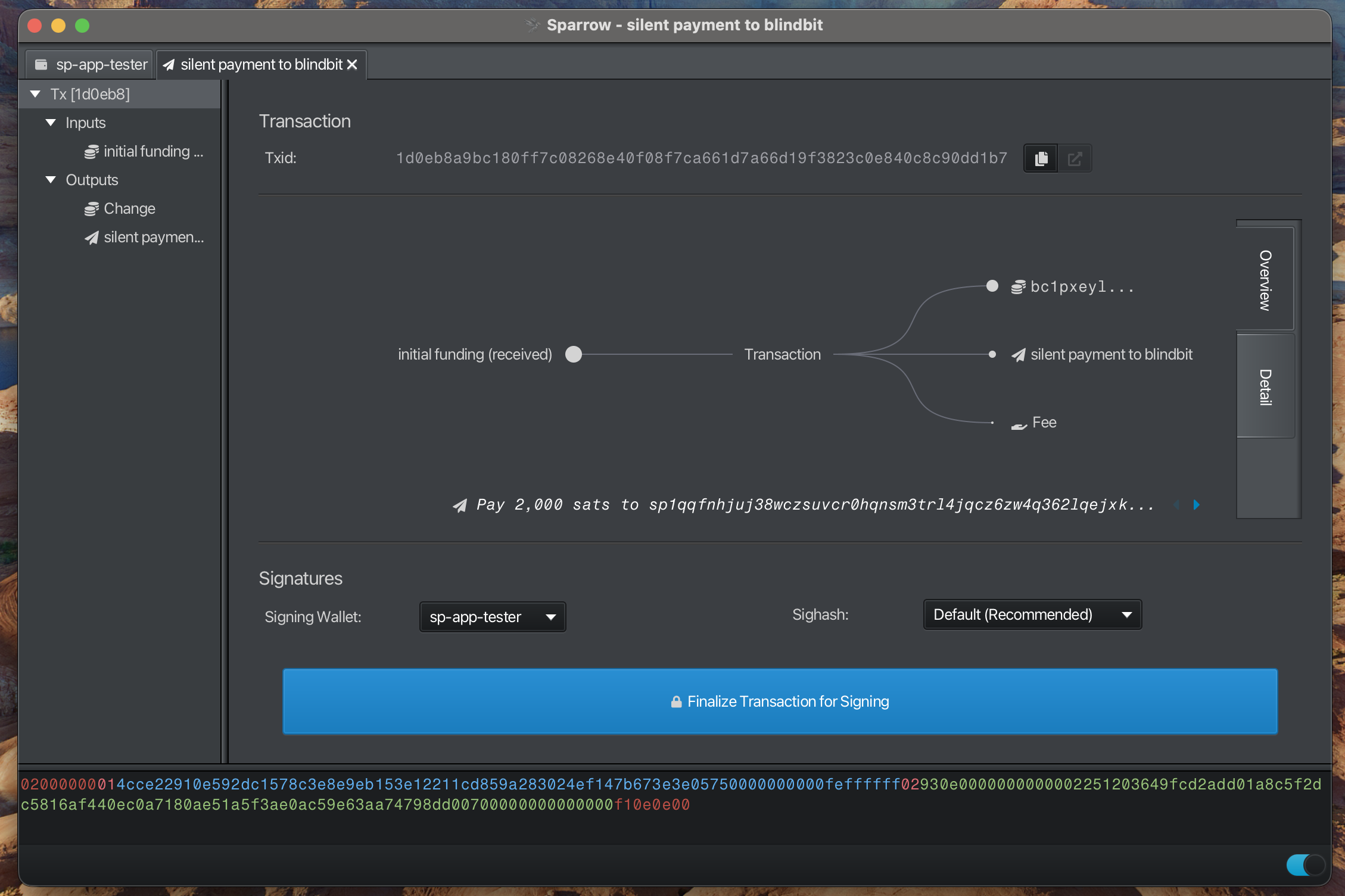
Note:
“Pay to” displays the silent payment address
Sign Transaction
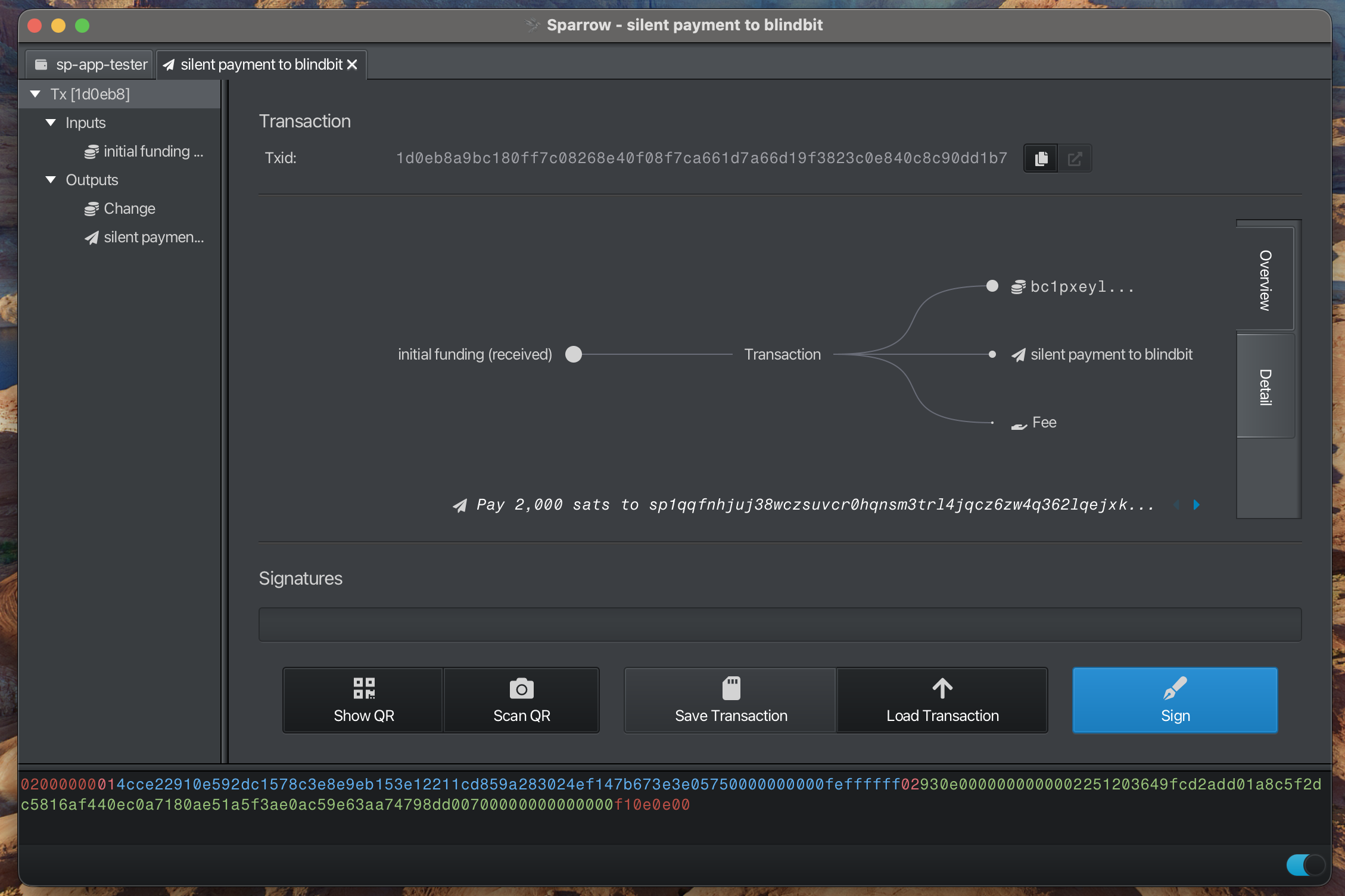
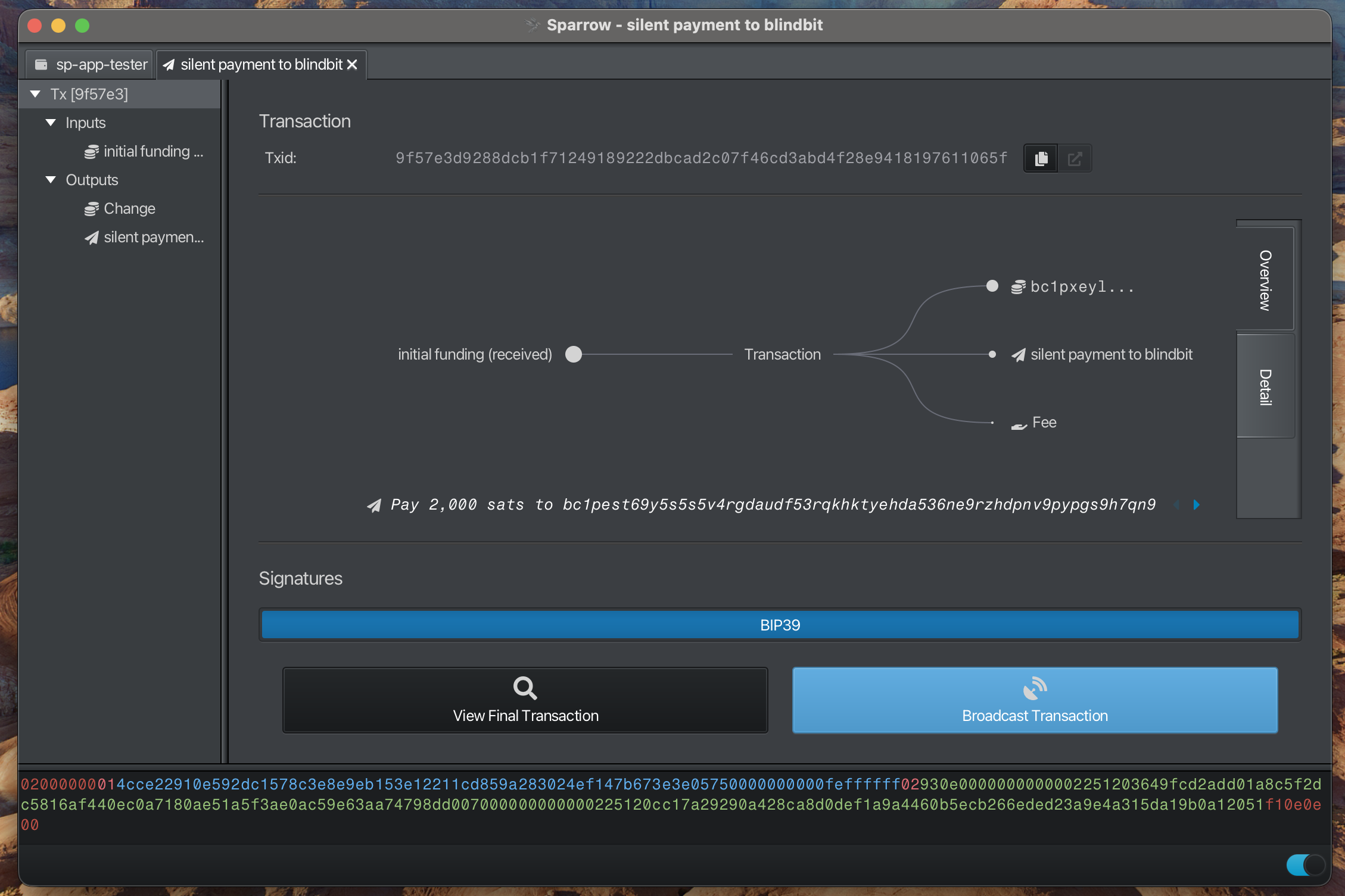
Broadcast Transaction
Send to contact
Highlight the process for sending a payment to a contact
Enter Recipient Information
- Enter Human-readable Contact as “Pay to”
- Enter “Amount”
- Select “Send Transaction” to view details
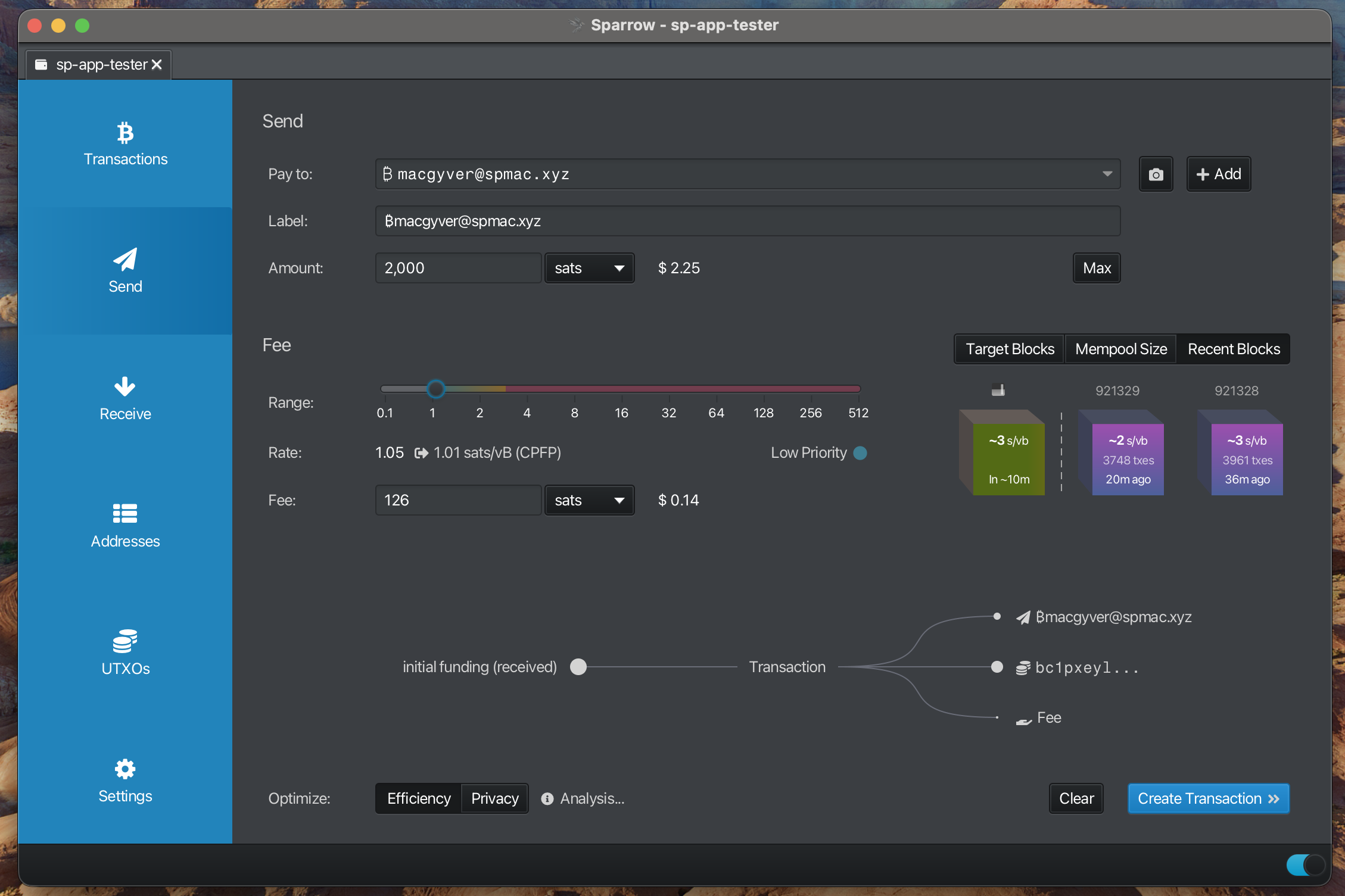
Note:
“Label” will be automatically populated but can be overridden
Finalize Transaction
-
- Hover over the “contact” in the transaction output to see the actual silent payment address
-
- Select “contact” in Outputs to view the silent payment address
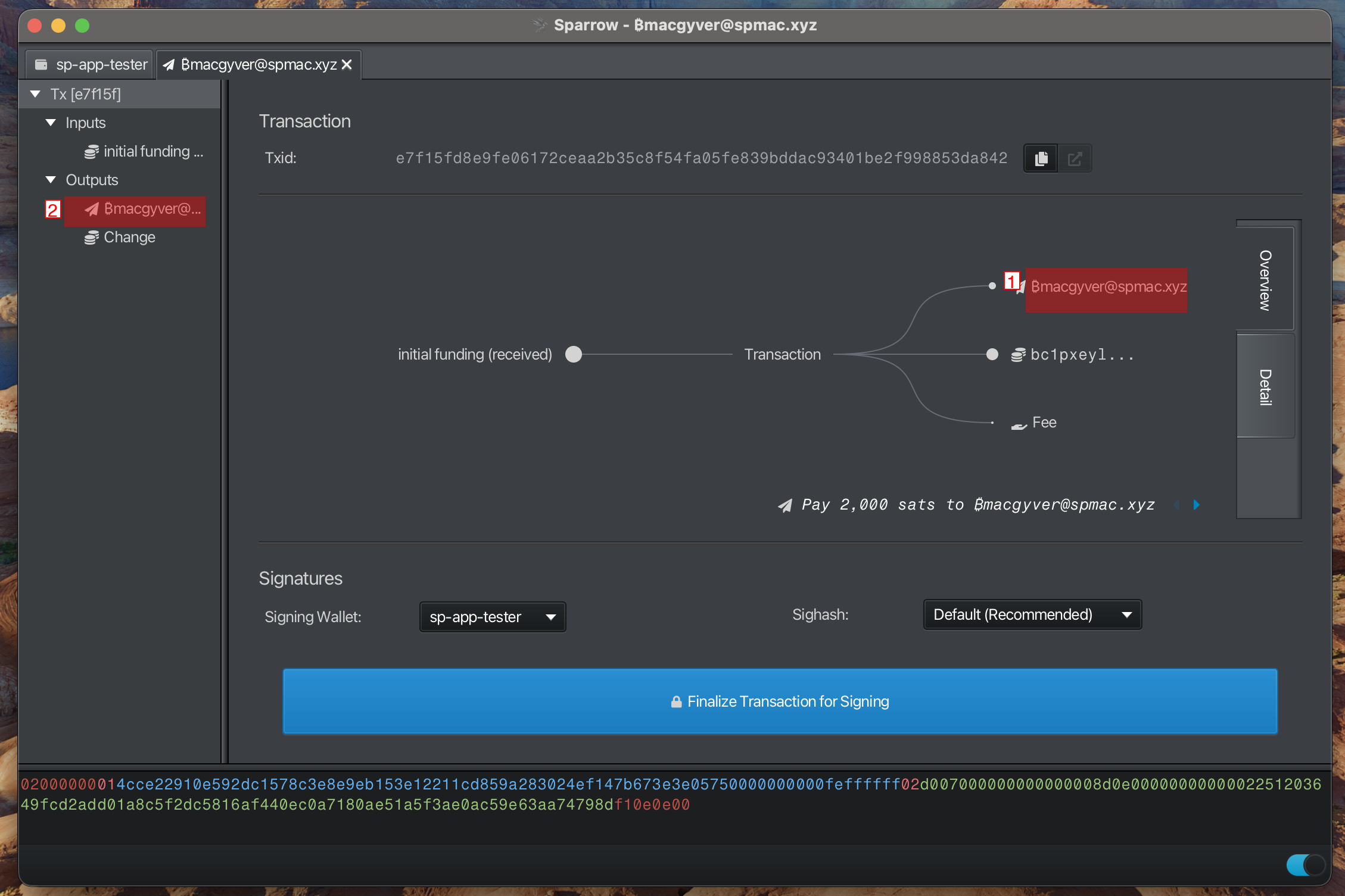
Note:
“Pay to” displays the “contact”
Sign Transaction
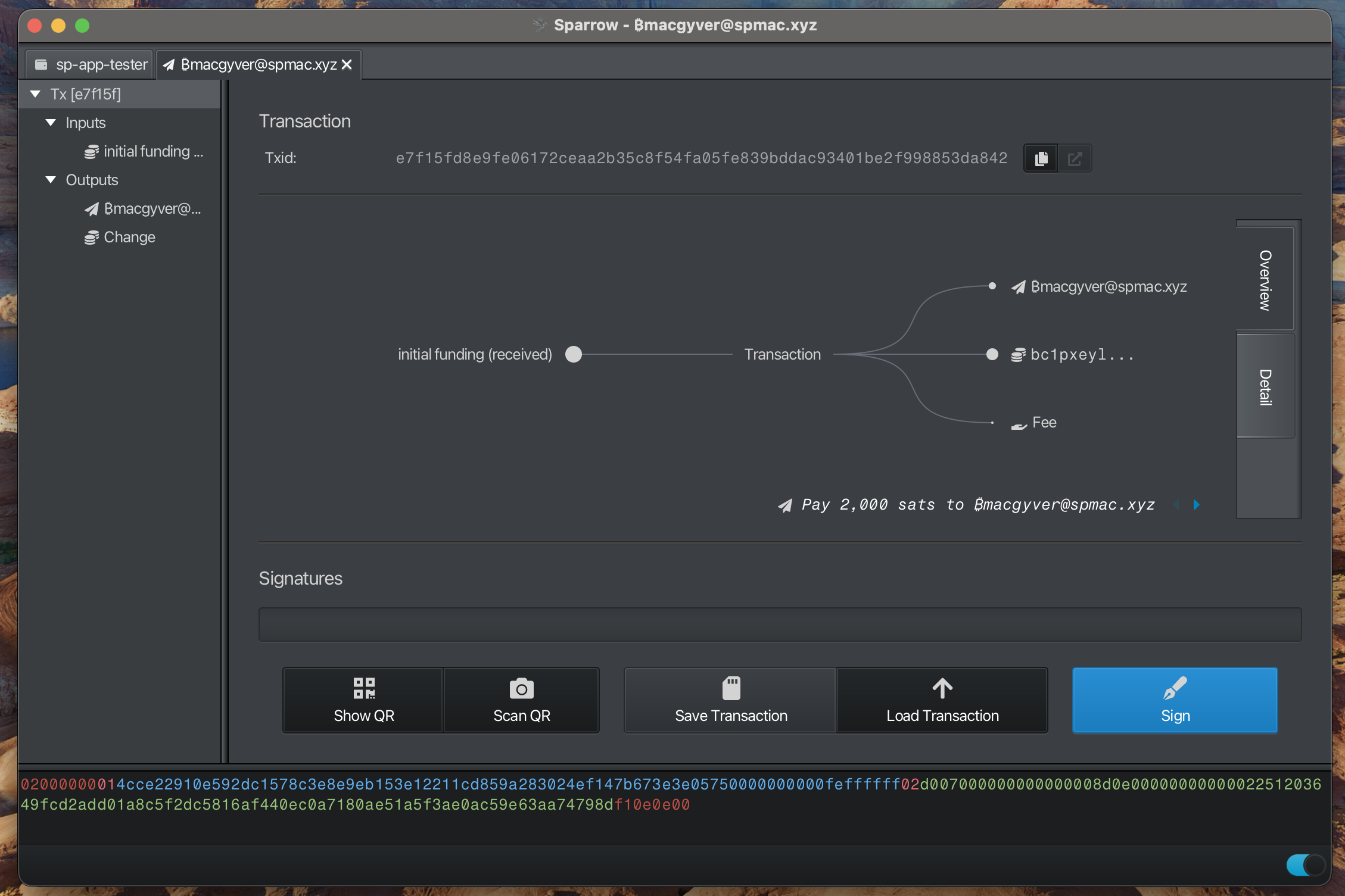
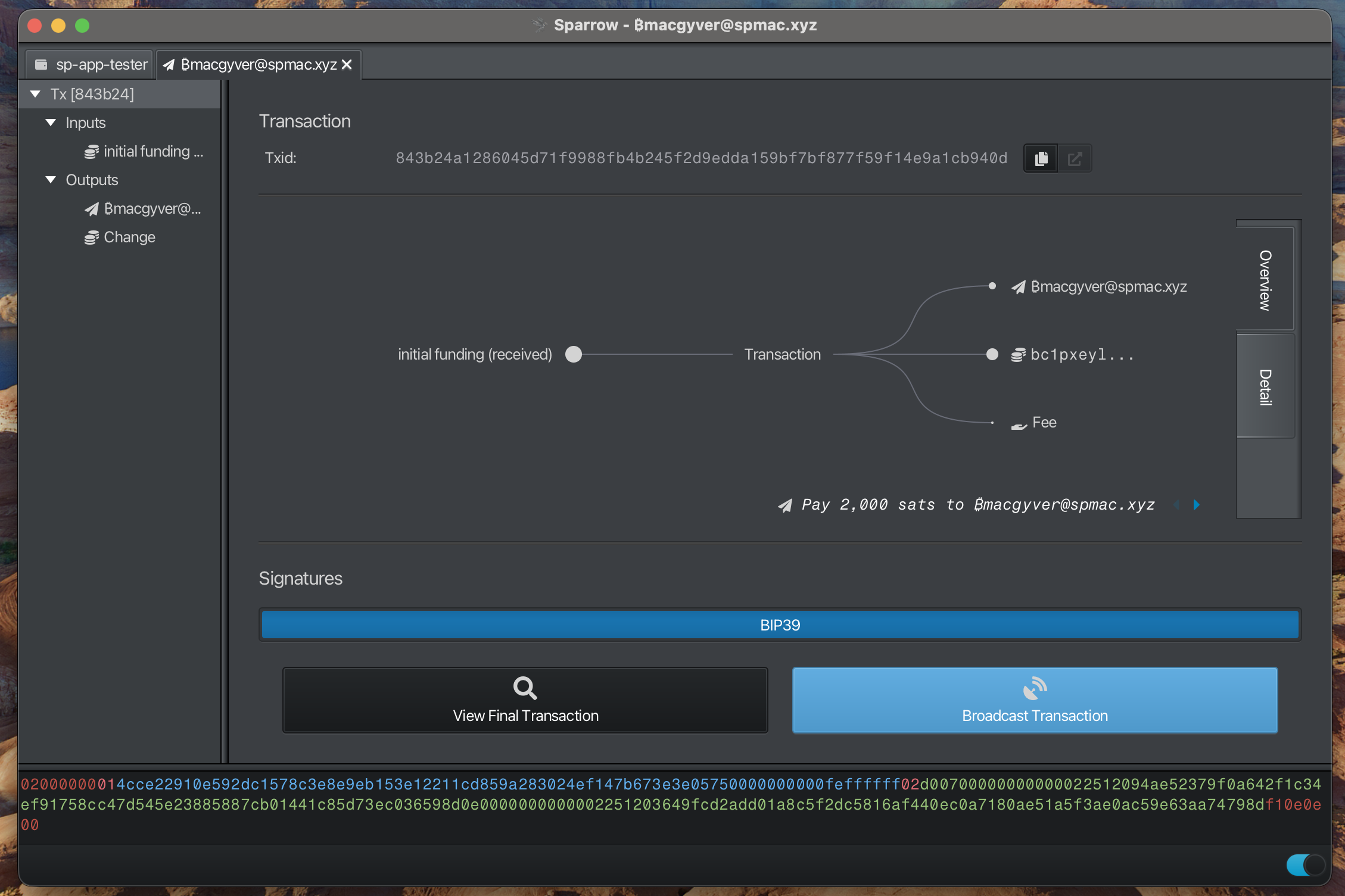
Broadcast Transaction
Troubleshooting
Screenshots Don’t Match
- Sparrow version 2.3.0+ required
Sync Issues
- Verify your internet connection
- Check firewall settings
- Allow sufficient time for blockchain synchronization
Need More Help?
- Report an issue in the project repository: https://github.com/sparrowwallet/sparrow
- Join Silent Payments discord and ask for help
This guide is maintained automatically. If you notice any discrepancies, please report them.