app-tester
Bitcoin Core Wallet User Guide
Last Updated: 2025-10-30
Bitcoin Core Wallet with Silent Payments Support
Table of Contents
- Building from Source
- Initial Wallet Setup
- Wallet Overview
- Sending Silent Payments
- Receiving Silent Payments
- Troubleshooting
Building from Source
Source Code: https://github.com/Eunovo/bitcoin/tree/2025-implement-bip352-receiving
Prerequisites
- Xcode Command Line Tools
- Qt6 -
brew install qt
Build Steps (Simplified) - Detailed MacOS Reference
export QTDIR=/usr/local/opt/qt
git clone https://github.com/Eunovo/bitcoin
cd bitcoin
git checkout -B 2025-implement-bip352-receiving origin/2025-implement-bip352-receiving
cmake -B build -DBUILD_GUI=ON
cmake --build build -j 10 --target deploy
# You will need a synchronized full node to continue
./build/dist/Bitcoin-Qt.app/Contents/MacOS/Bitcoin-Qt -datadir=/Users/<user>/data/bitcoin -conf=/Users/<user>/.bitcoin/bitcoin.conf -server
Initial Wallet Setup
Create and configure your wallet for silent payments
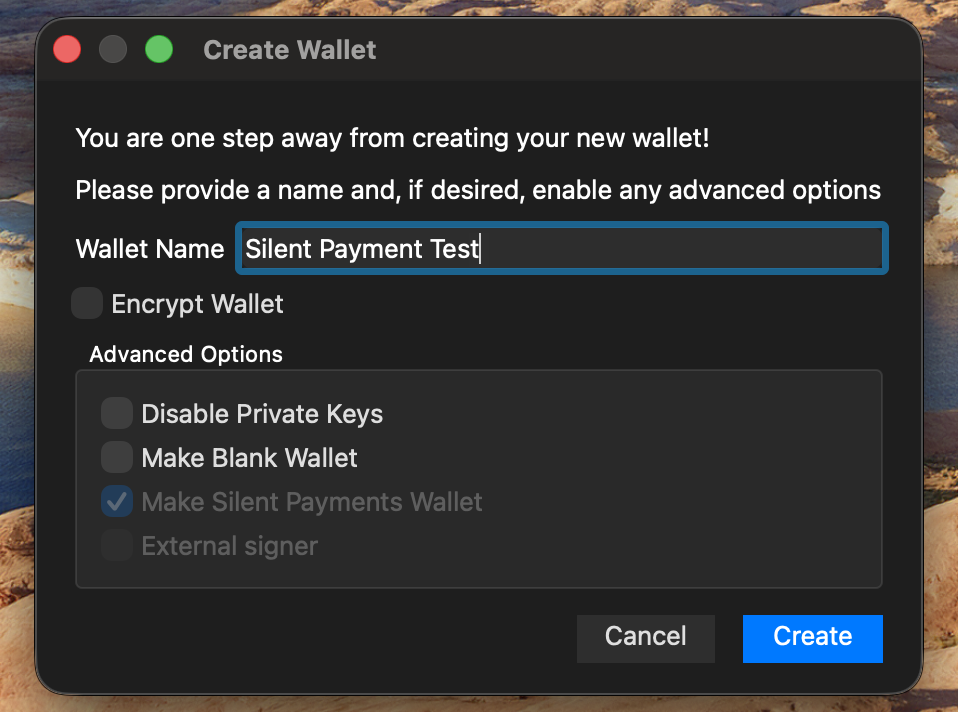
Create New Wallet
- Enter “Wallet Name”
- Check “Make Silent Payments Wallet”
- Select “Create” button
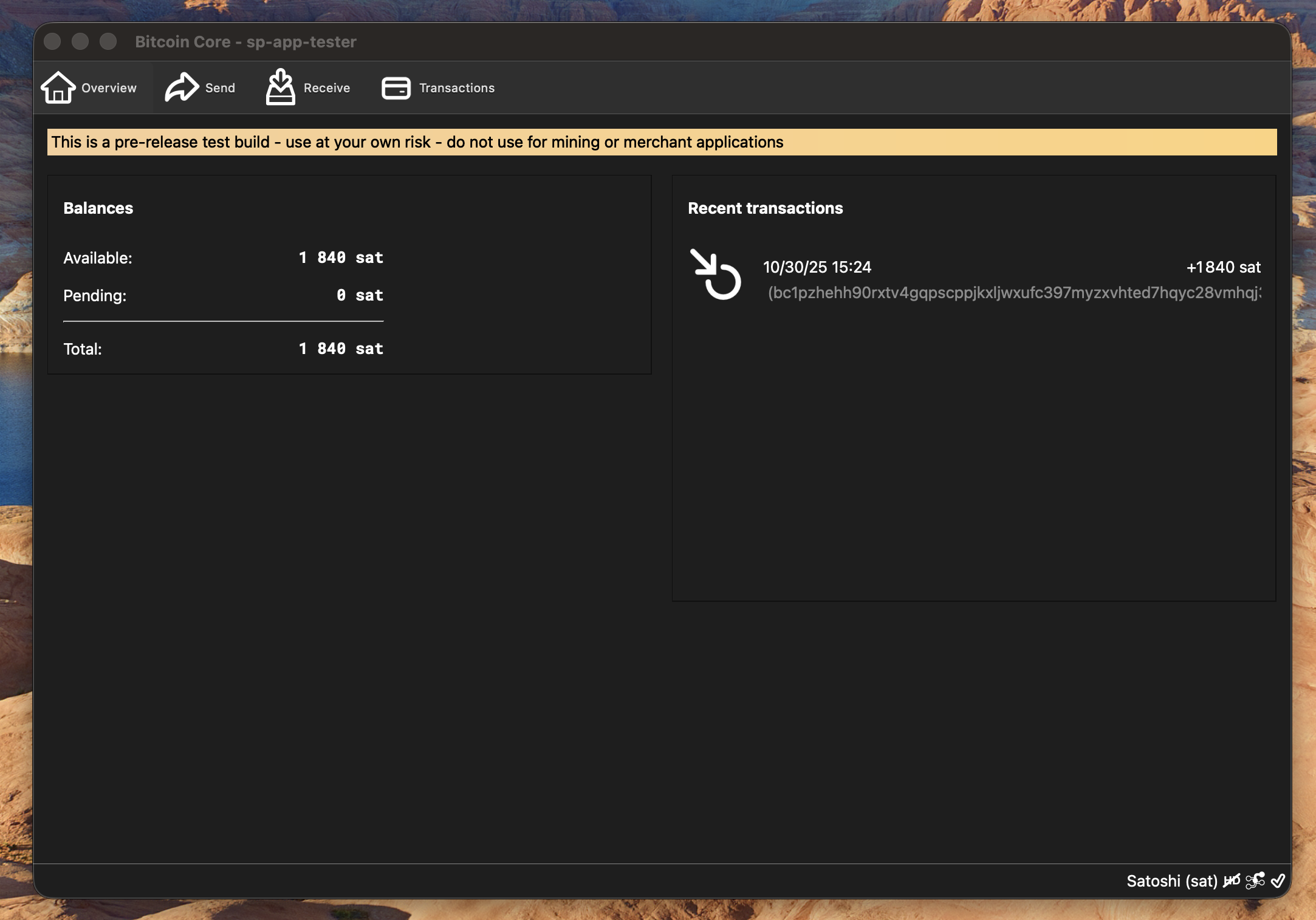
Wallet Overview
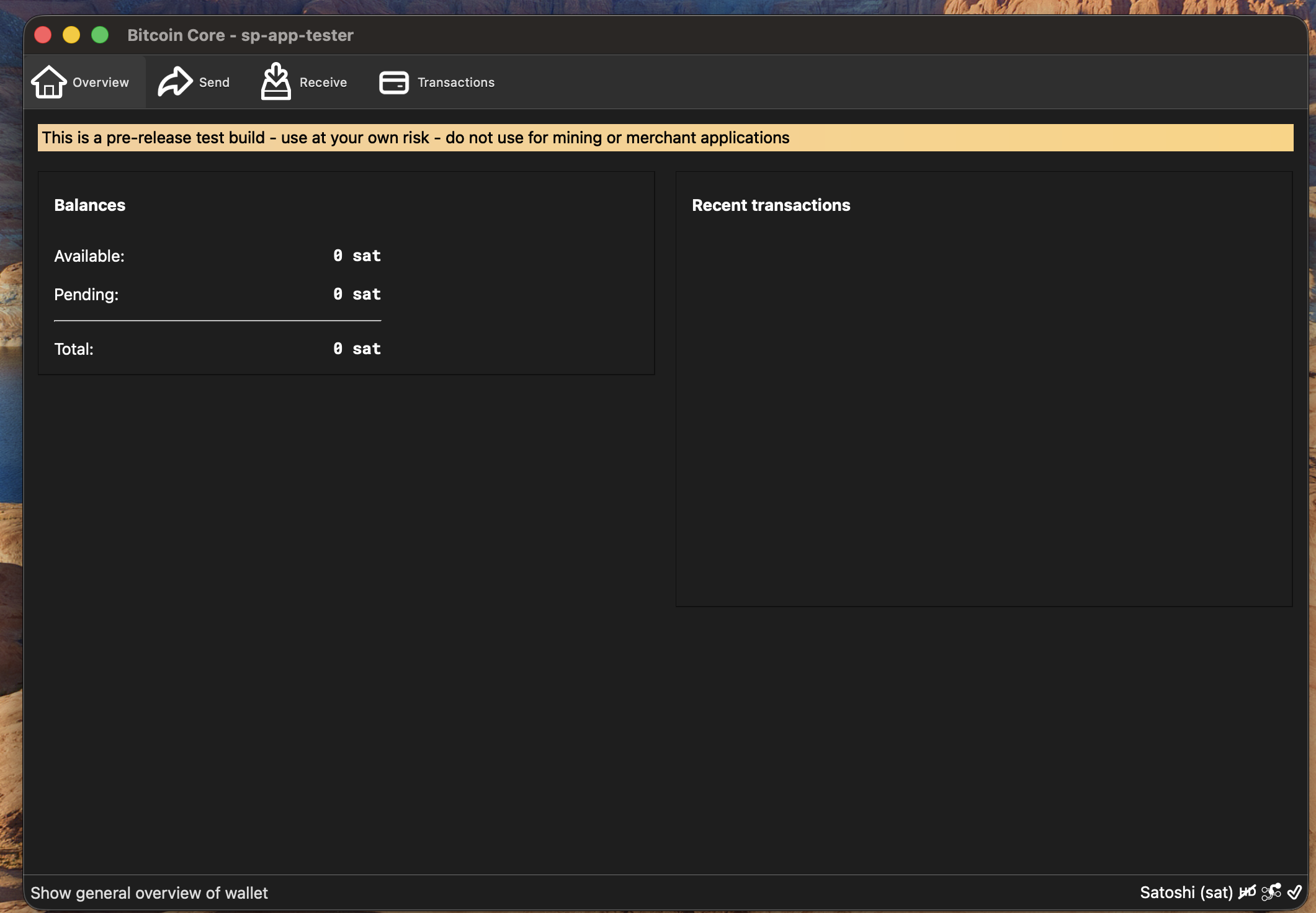
Overview
Main screen showing balance and recent transactions
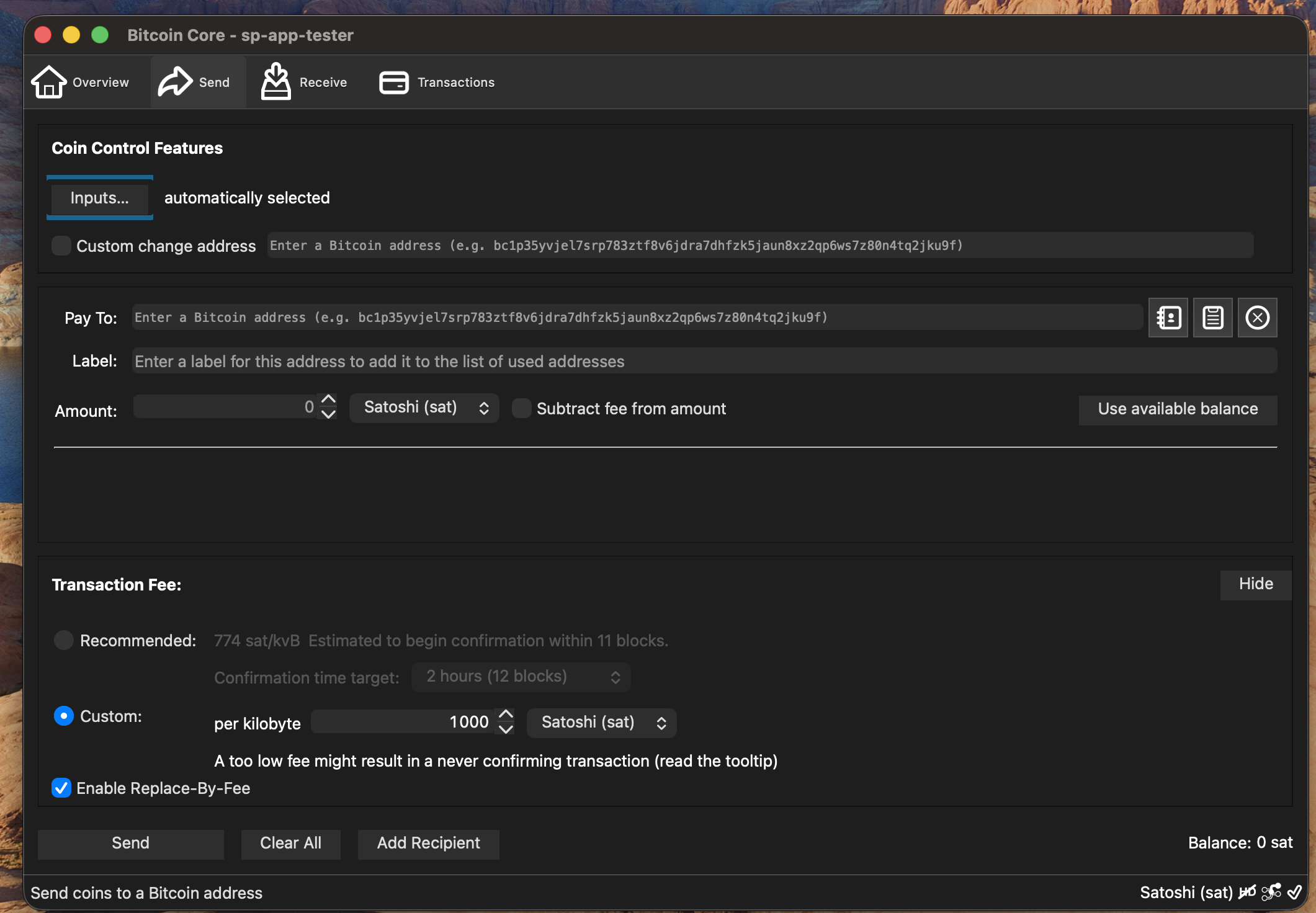
Send
Send bitcoin to other wallets
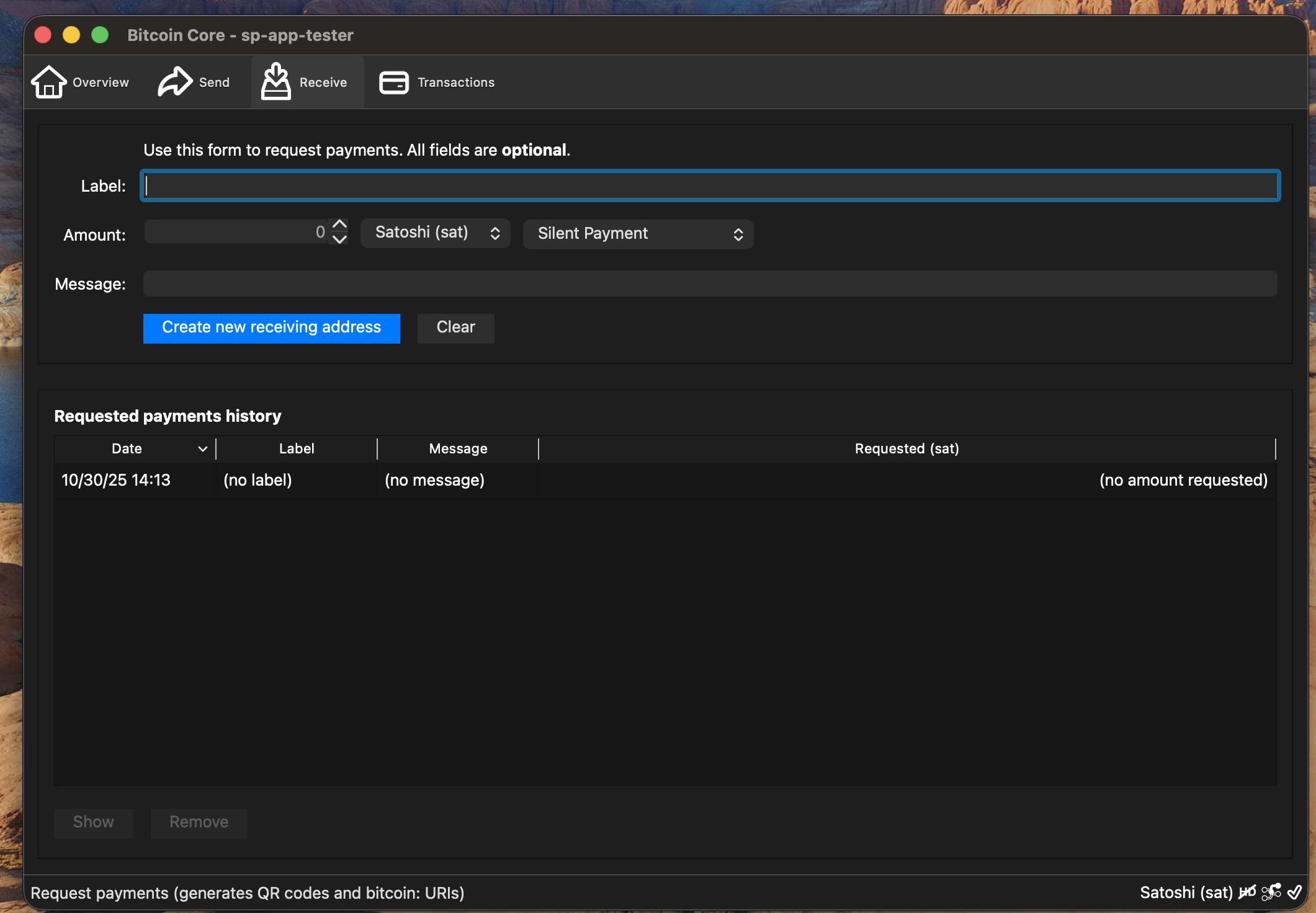
Receive
- Copy silent payments address to share with others
- Go to Receiving Silent Payments for more details
Note:
Only one address is required, each transaction will have a unique on chain taproot address
Transactions
View transaction history
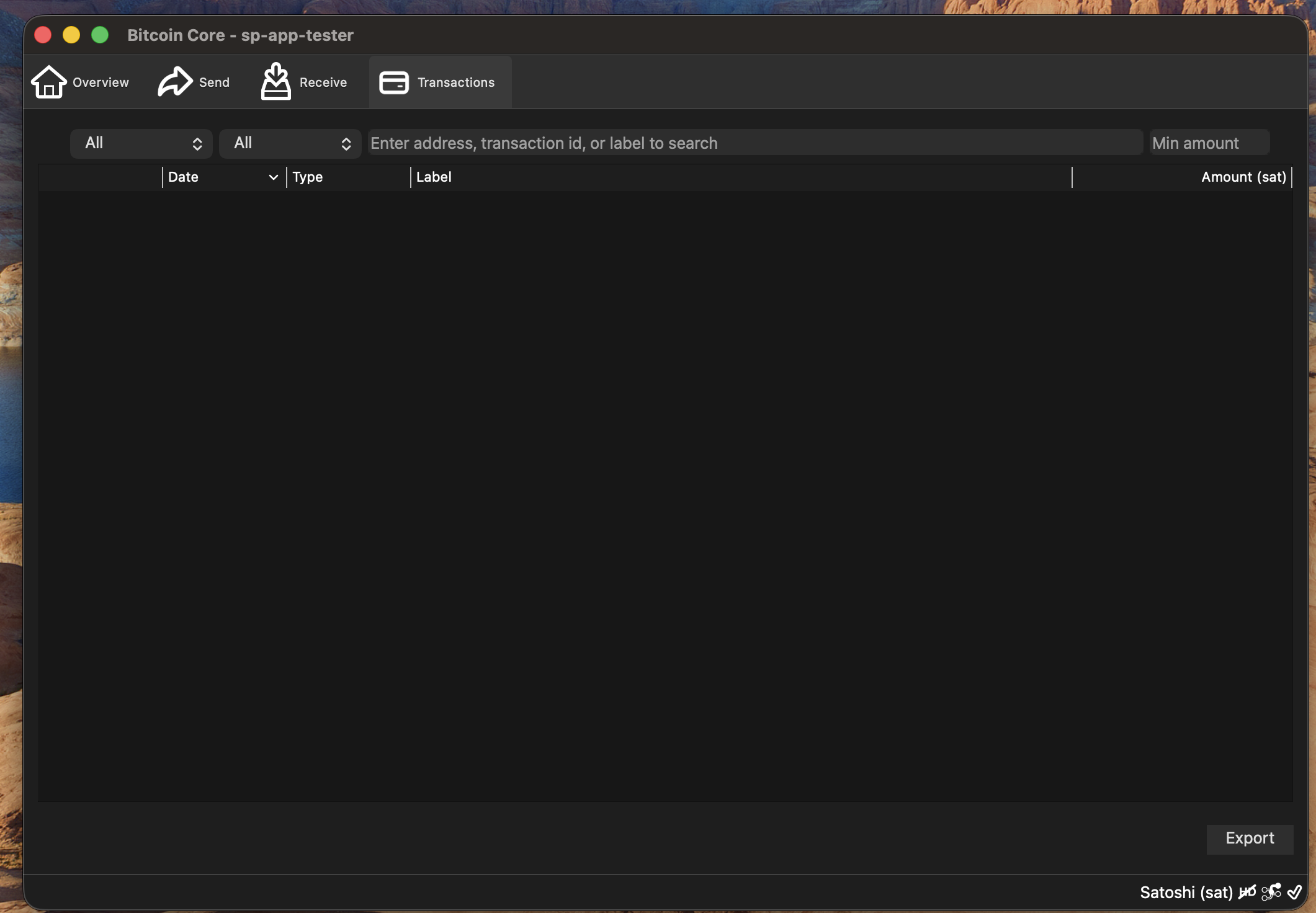
Note:
transactions will appear as soon as they are broadcast to the network
Sending Silent Payments
Enter Recipient Information
- Enter “Pay To”
- Enter “Amount”
- Select “Send”
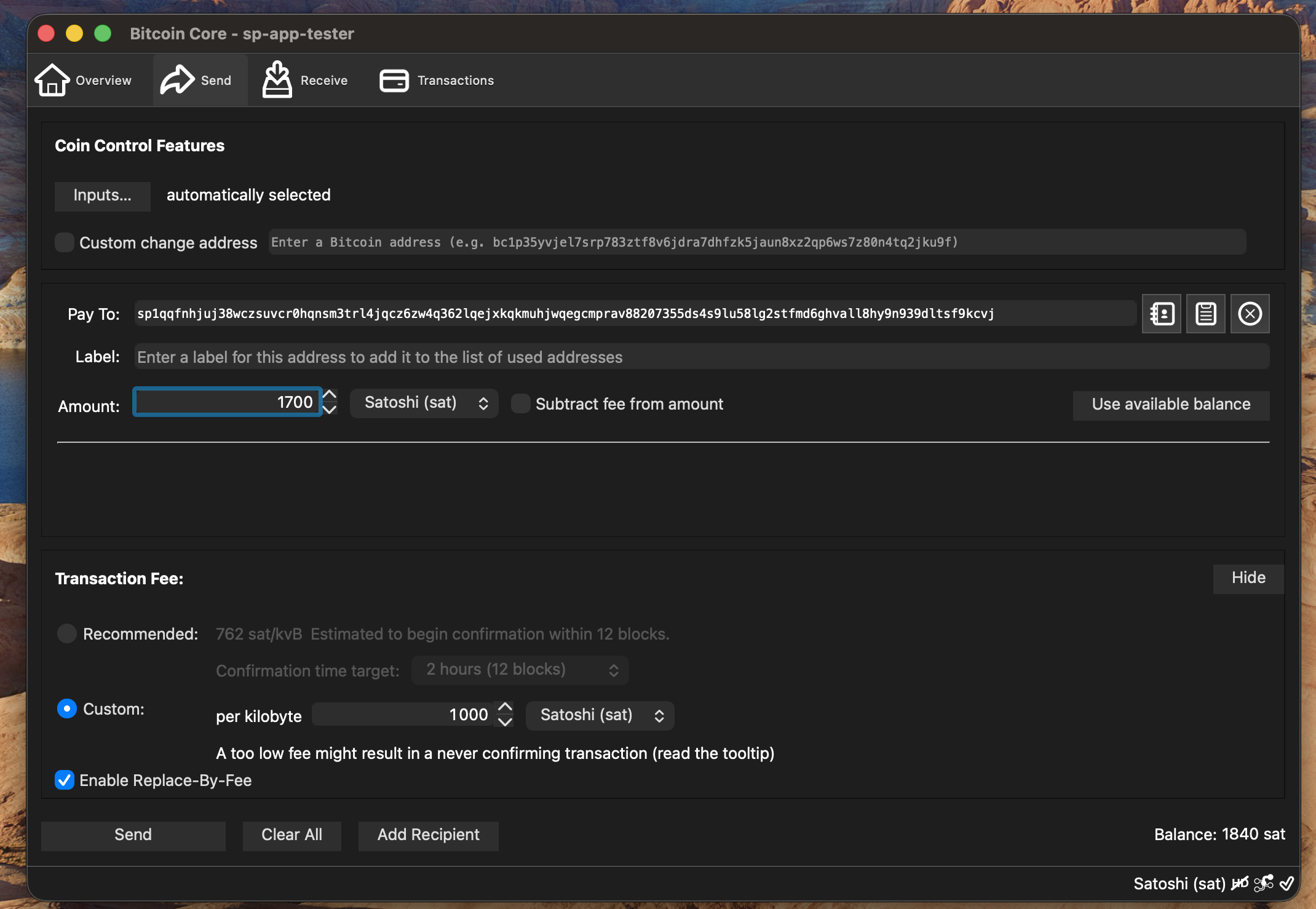
Note:
Currently Bitcoin Core does not support Human Readable Names (HRN) addresses
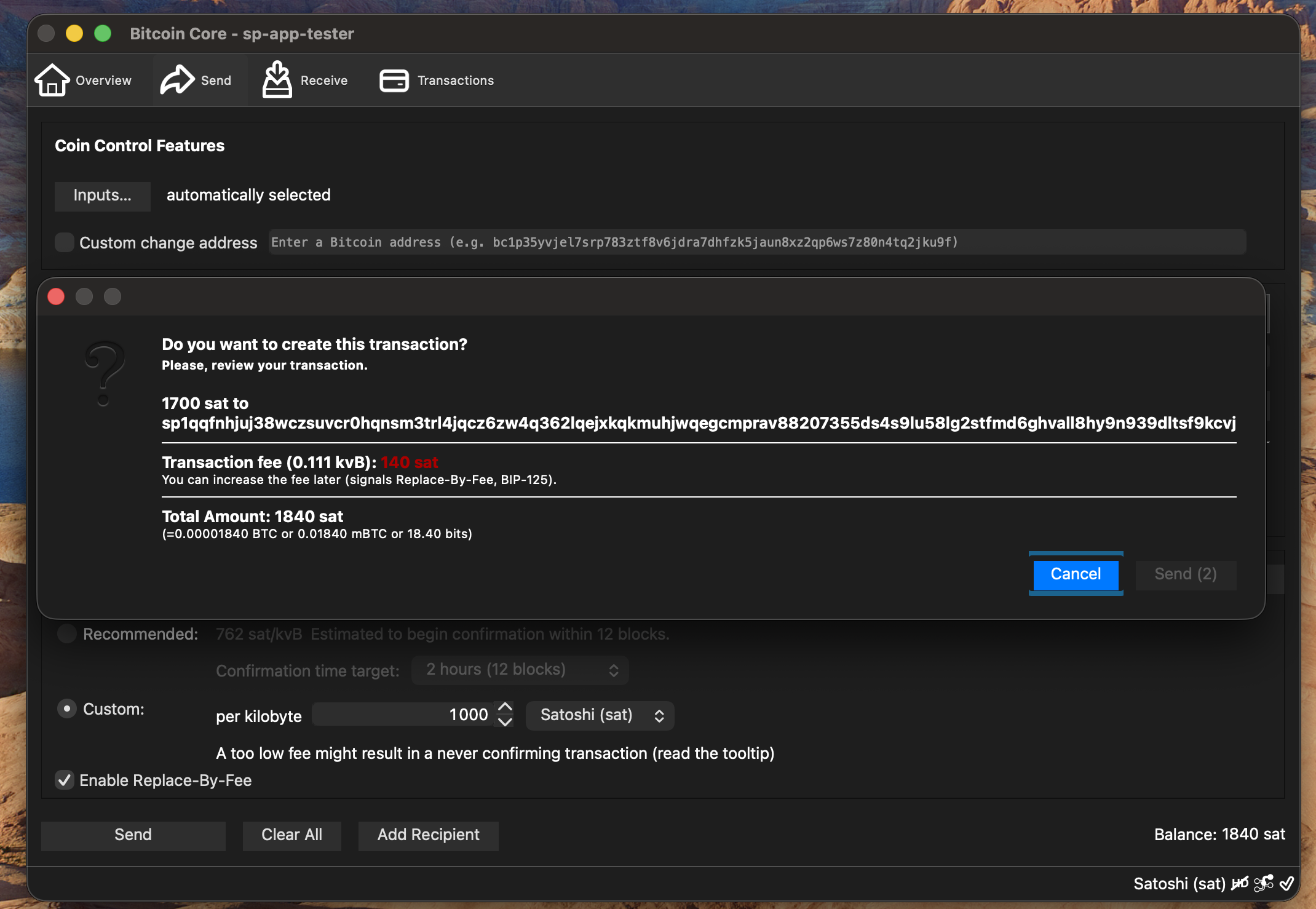
Confirm Transaction
- Review recipient information
- Select “Send” to broadcast transaction
Receiving Silent Payments
Receive
There are 2 methods for finding the silent payment address in Bitcoin Core
Make Silent Payment Request
- (1) Choose “Silent Payment” in address type dropdown
- Select “Create new receiving address” to generate requested silent payment history address
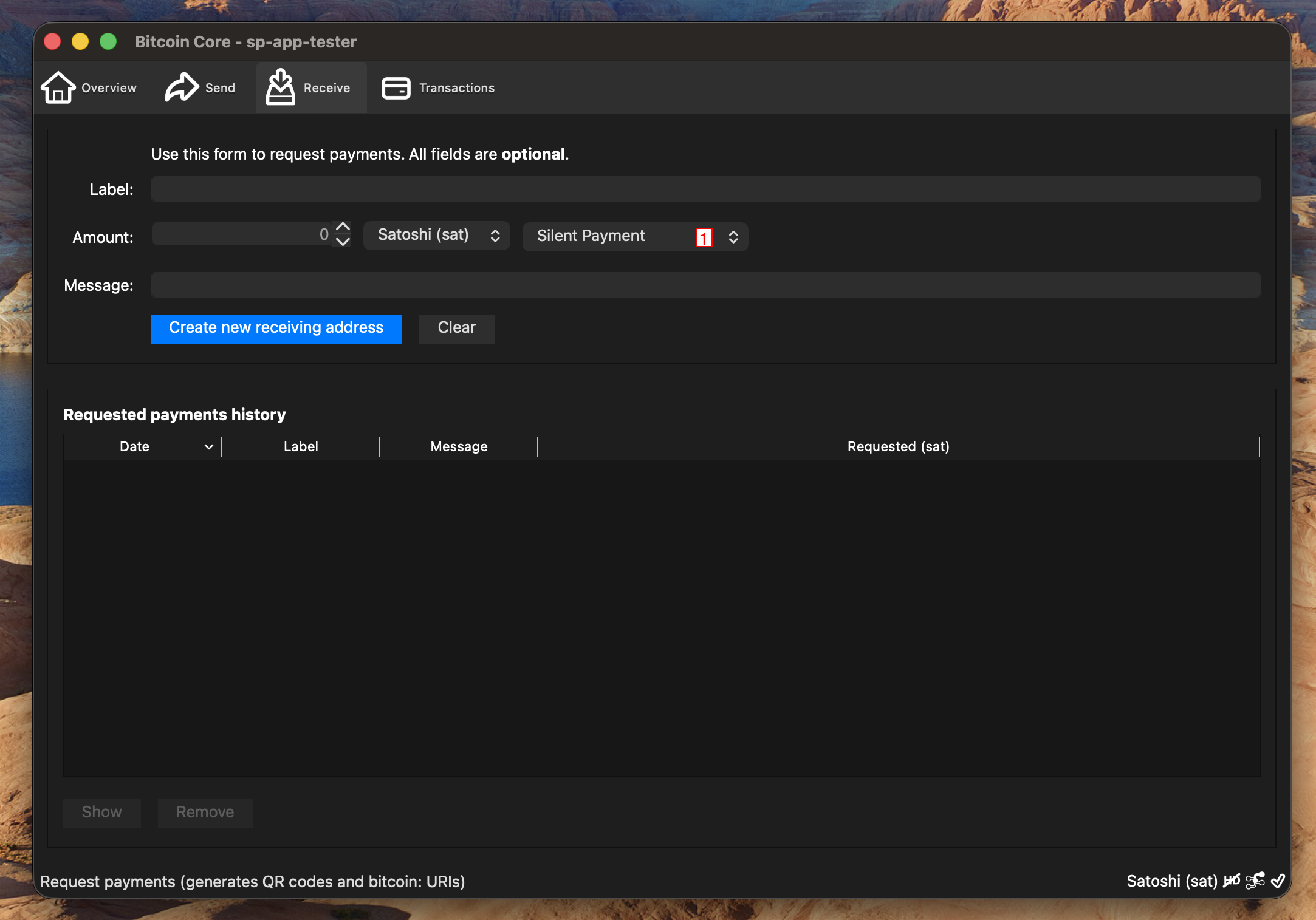
Note:
Once the silent payment entry is added to the list you can double-click the entry to re-open the view
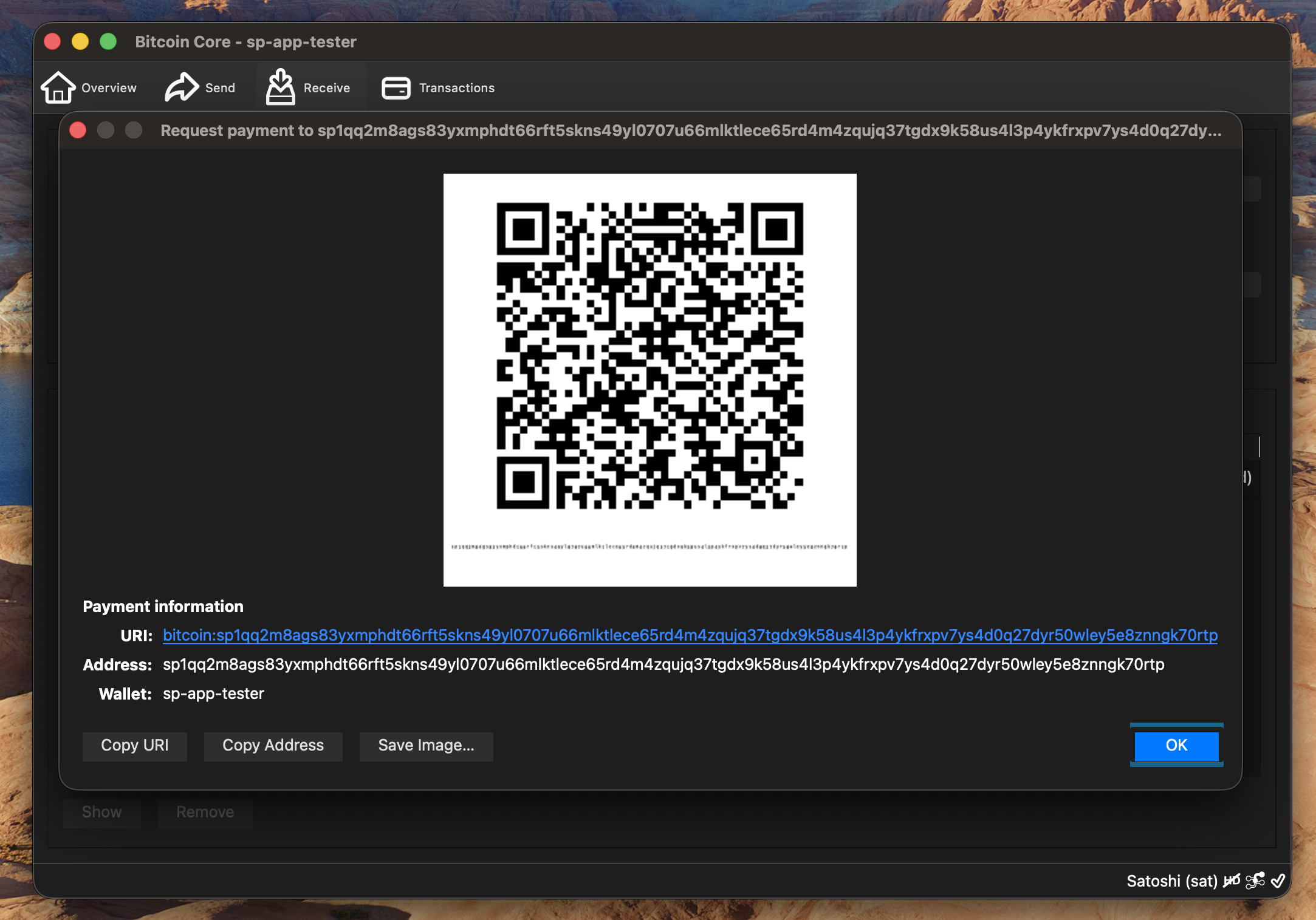
Copy Silent Payment Address
Select “Copy Address” to copy to clipboard
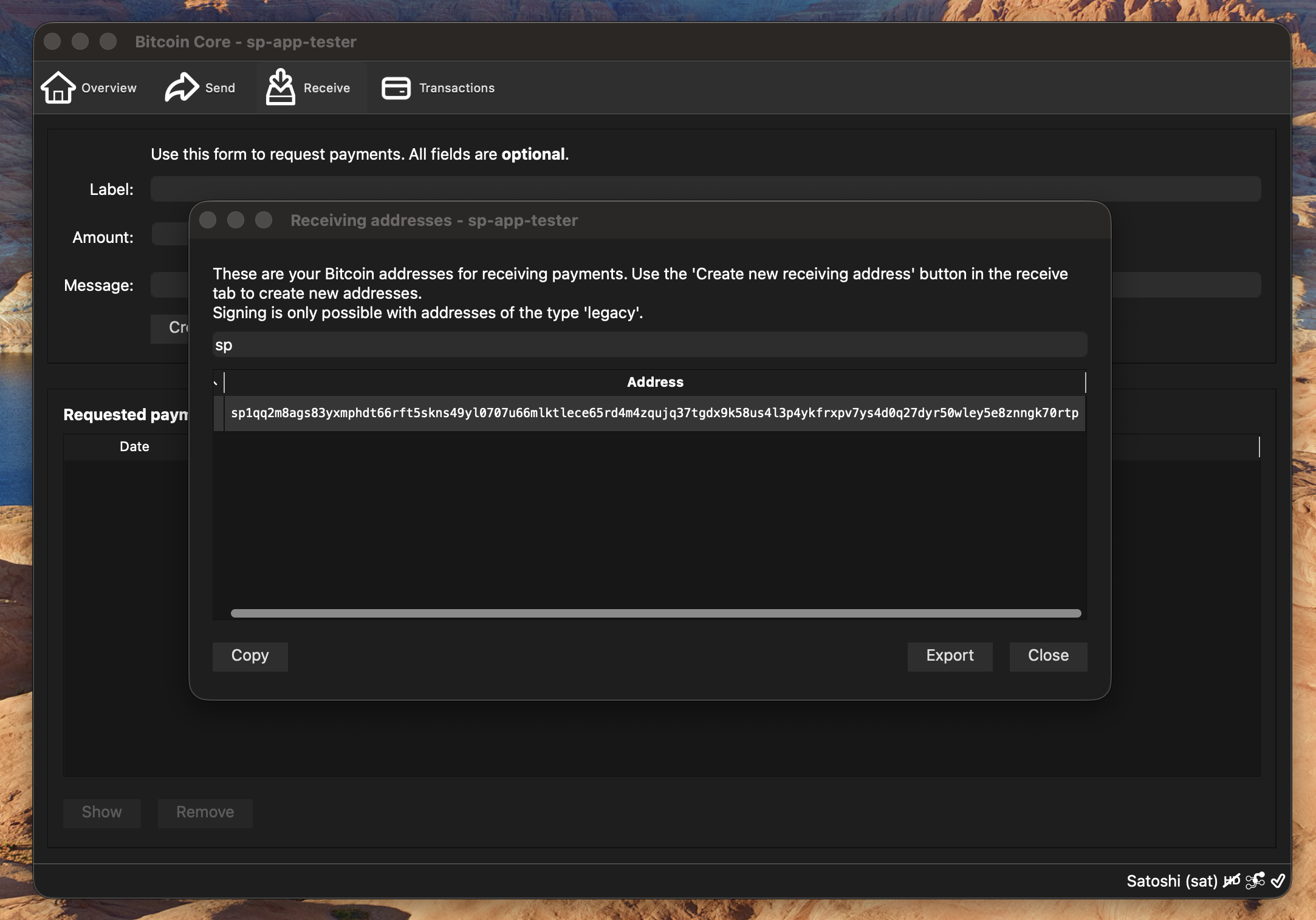
Find Silent Payment in Receiving Addresses
- Select “Window” in application menu
- Select “Receiving addresses” from menu
- Search for “sp” in the search field
- Select the address with “sp1q” prefix from the Address list
- Select “Copy”
Troubleshooting
Common Issues
Wallet won’t start:
- Check that you have the required dependencies installed
- Verify the application path is correct
Screenshots don’t match:
- Ensure you’re using the correct version
- Check that you compiled from the correct branch
Need More Help?
- Report an issue in the project repository: https://github.com/Eunovo/bitcoin/tree/2025-implement-bip352-receiving
- Join Silent Payments discord and ask for help
This guide is maintained automatically. If you notice any discrepancies, please report them.